
Introduction to EOBI Login Portal
EOBI Login Portal; The Employees’ Old-Age Benefits Institution, widely known as EOBI, is a major social security program in Pakistan that provides financial protection to employees after retirement, in case of disability, or to their family members after death. The system works through contributions deposited by employers on behalf of their workers. Once eligible, insured persons receive pensions and benefits that support them in their later life. EOBI plays a vital role in helping private-sector workers secure a more stable financial future.
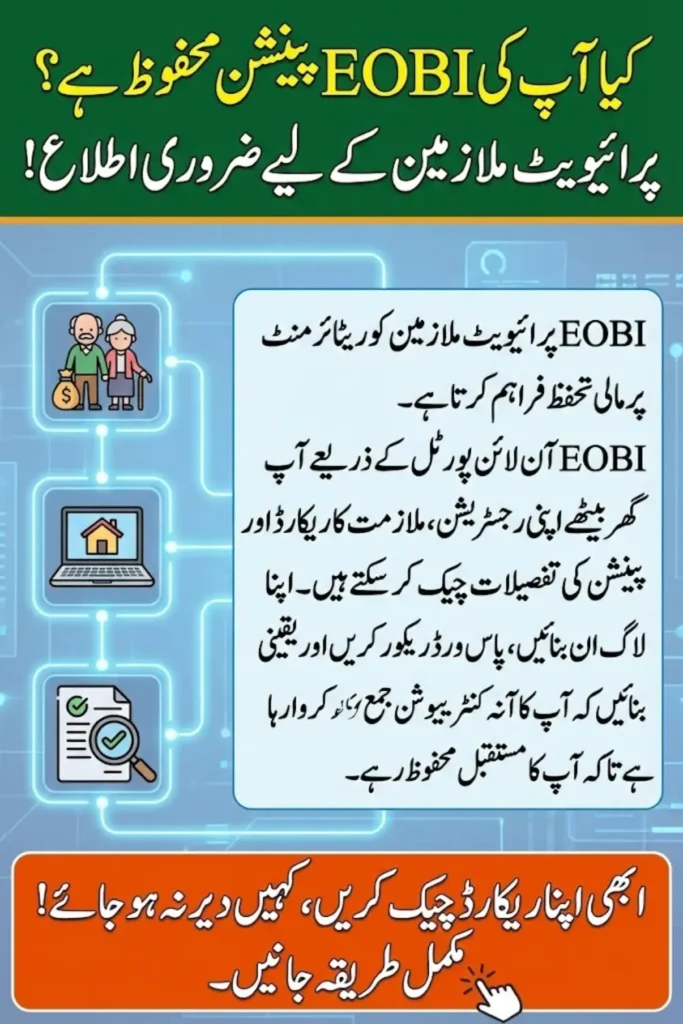
To make its services quick, transparent, and accessible, EOBI created a digital platform known as the EOBI Online Portal. This portal helps insured persons, employers, and beneficiaries check records, verify registrations, manage information, and track pension details. It eliminates the need for long office visits and brings essential EOBI services to users at home through a simple internet connection.
You Can Also Read: BISP 8171 Wallet SIM – Instantly Check and Verify Your Account Online Fast & Easy
Key Features of the EOBI Online Portal
The EOBI portal provides a wide range of tools and digital services. It is designed to make pension-related tasks simpler and faster for both employers and insured persons.
- Easy online registration for insured persons
- Employer registration and contribution tracking
- Verification of EOBI numbers and employment status
- Details of service history and contribution months
- Pension claim information and eligibility status
- Complaint submission and tracking
- User-friendly interface for quick access
- Updated database for accurate record-keeping
The EOBI portal brings all essential services together in one place, saving time and reducing errors.
You Can Also Read: BISP 8171 Wallet SIM – Instantly Check and Verify Your Account Online Fast & Easy
How to Register for an EOBI Account?
Creating an EOBI account is an important step for employees who want to keep track of their contribution and pension data. The process is simple and requires a few basic details.
- Visit the official EOBI portal and go to the registration section
- Provide your CNIC number and personal details
- Enter employment details as required
- Confirm your mobile number and email address
- Create a unique username and a strong password
- Submit the form and wait for confirmation
Registration is quick and helps workers secure easy access to their pension records.
You Can Also Read: Imam Masjid Registration Form PDF – Complete & Printable Latest Version for Applicants
EOBI Login Guide: How to Access Your Account?
After completing registration, users can log in anytime to check their details. The login process is designed to be simple for quick access.
- Open the EOBI online portal
- Enter your username
- Type your password correctly
- Complete any security or verification steps
- Click on the login button to access your dashboard
Once logged in, you can view all your EOBI information in one place.
You Can Also Read: Benazir Income Support Programme Step-by-Step Registration Method And Payment Update 2025-26
How to Recover a Forgotten EOBI Password?
If you forget your EOBI password, you can reset it easily through the portal. This feature ensures that users can regain access without visiting any office.
- Visit the login page and choose the “Forgot Password” option
- Enter your registered CNIC or username
- Provide the verified email or mobile number
- Receive the reset link or code
- Create a new password and confirm it
Password recovery is quick, safe, and helps you avoid losing access to your account.
You Can Also Read: BISP Raises PMT Score to 37 to Boost Support and Inclusion for Persons With Disabilities
How to Check Insured Person Records Online
Insured persons can check whether their employer is depositing contributions regularly. This helps employees stay informed about their pension eligibility.
- Log in to your EOBI account
- Visit the “Insured Person Details” or similar section
- Enter your CNIC or EOBI number
- View contribution history and employment details
- Check if contributions are updated monthly
Reviewing your record keeps you aware of your pension status and helps spot any missing contributions.
You Can Also Read: 8171 SMS Attempt Failed: Simple Troubleshooting Tips to Fix Network SIM and Server Issues Easily
How to Verify Your EOBI Registration?
Verification allows you to confirm whether you are officially registered under EOBI. This is very important for future pension claims.
- Open the EOBI portal verification area
- Enter your CNIC number
- Provide the required personal details
- Submit the form to view your status
- Verify your insured person’s name, employer, and registration number
Online verification confirms your EOBI registration without visiting offices.
You Can Also Read: 8171 Ehsaas Kafalat: How to Check Token, NSER Survey & Who Qualifies
Common EOBI Login Problems and How to Fix Them
Users sometimes face login issues due to technical or personal errors. Fortunately, most problems have simple solutions.
- Wrong username or password: recheck and type carefully
- Forgotten password: use the password recovery option
- Internet issues: ensure you have a stable connection
- Browser not updated: refresh or use another browser
- Account locked: wait a while or contact support
- Incorrect CNIC details: update information if necessary
- Server downtime: try again after some time
Most login issues can be fixed by checking your details or refreshing your browser.
You Can Also Read: BISP 8171 Phase 3: Complete District List, Eligibility Criteria & Wallet Payment Guide 2025
Benefits of Using the EOBI Online System
The online system provides major advantages for both employees and employers by digitizing important processes and improving transparency.
- Easy access to records anytime
- No need to visit EOBI offices physically
- Quick verification of the insured person’s details
- Reduced paperwork and processing time
- Faster pension claim updates
- Secure login for personal information
- Accurate contribution tracking
- Better communication through online support
The online portal makes the EOBI system more convenient, transparent, and user-friendly.
You Can Also Read: BISP 8171 Ehsaas Kafalat Program & Education Stipend Quarterly Payment Increase Details
Frequently Asked Questions
What is EOBI?
EOBI is a government-run pension program that provides financial benefits to private-sector employees after retirement.
Who can register for EOBI?
Any employee working in a registered private organization can be enrolled by their employer.
Is the EOBI online portal free?
Yes, all online services such as record checking and login are free of cost.
Can I check my EOBI registration with my CNIC?
Yes, you can verify your registration using your CNIC through the online portal.
How do I contact EOBI for support?
You can use the complaint or support section on the EOBI portal or visit the nearest EOBI office for assistance.
You Can Also Read: Toyota Pakistan Cuts Fortuner Price by Rs 2.5 Million in a Limited-Time Deal
Conclusion
The EOBI online portal is a powerful tool that makes pension services more accessible for employees across Pakistan. It provides a faster and more reliable experience by giving users the ability to check records, verify registrations, and track contributions from anywhere. Whether you want to review your employment details or solve login issues, the portal is designed to make everything simple and convenient.
As technology continues to modernize government systems, using digital platforms like the EOBI portal becomes essential for all insured persons. By regularly checking your details and staying updated, you ensure that your pension rights are fully protected and your future financial security remains strong.
You Can Also Read: Punjab Chief Minister Approves Exclusive Honorary Card for Imam Masjid Sahib